
Press
Press and brand kit
Logos, colors, the rules for using them, approved descriptions and the facts about CommsOperator, in one place. Use any of it when you write about CommsOperator. For anything this page does not answer, write to us.
The CommsOperator press kit holds the logo in vector and PNG for light and dark backgrounds, the mark and app icon, brand colors with hex values, usage rules, approved short and long descriptions, a fact sheet and ready-made social images. Download the whole kit as one ZIP file. Media enquiries go to office@commsoperator.com and a person answers.
Logo
The horizontal logo
The mark, a C holding an O, beside the name. Every file includes its clear space and comes as SVG for print and design work and as a transparent PNG.



Mark and app icon
When there is no room for the name
Use the mark alone in small or square spaces such as avatars and favicons, and the app icon wherever an app or a profile picture is expected.














Colors
Four colors, nothing else
Indigo
#4F46E5
RGB 79 70 229
The mark on light backgrounds, and the app icon tile.
Light indigo
#9D96FB
RGB 157 150 251
The mark on dark backgrounds.
Night
#0B0913
RGB 11 9 19
The wordmark on light backgrounds, and dark grounds.
White
#FFFFFF
RGB 255 255 255
The wordmark on dark backgrounds, and the mark inside the app icon.
Guidelines
Using the logo
Do
- Use the files from this kit exactly as they are.
- Keep clear space of one C stroke on every side, about a fifth of the mark's height. The files already include it.
- Put the light-background logo on white or light gray, and the dark-background logo on dark grounds.
- Keep the horizontal logo at least 24 pixels tall on screen. Below that, use the mark alone, down to 16 pixels.
- In print, keep the mark at least 5 millimeters tall.
Don't
- Recolor the logo outside the four colors below, or add gradients, shadows, outlines or glows.
- Stretch, squash, rotate, skew or crop it.
- Move the O, change the gap between mark and name, or retype the name in another typeface.
- Place it on busy photos or on backgrounds where it lacks contrast.
- Put the mark inside any container other than the app icon tile.
- Combine it with another logo into a new lockup, or suggest a partnership or endorsement without our written agreement.
Writing the name
- Write CommsOperator as one word, with a capital C and a capital O.
- Not Comms Operator, Commsoperator, CommOperator, or COMMSOPERATOR.
- CommsOp is an app label for tight spaces, not a name for articles.
- When you need an attribution line: CommsOperator is built by Tech Family Ventures and offered by WomenTech LLC.
Typeface
The wordmark is drawn from Inter SemiBold and supplied as outlines, so it looks the same everywhere. In running text, set the name in your own typeface; never rebuild the wordmark from a font.
Descriptions
Approved descriptions
Use either as written. Shortening is fine; please keep the facts as they are.
Short description
CommsOperator is a multi-brand communications platform for teams that answer for several brands. Each brand gets its own workspace with a Gmail or Microsoft 365 inbox, a CRM, a help center and website widgets. The AI drafts and sorts, and every send waits for a person's approval by default. Built by Tech Family Ventures.
54 words
Long description
CommsOperator is a multi-brand communications platform for lean teams that run communications for more than one brand. Each brand gets an isolated workspace with a shared inbox on Gmail or Microsoft 365, a CRM with pipelines, a help center and embeddable website widgets; Microsoft 365 workspaces can also run campaigns behind an approval queue. The AI drafts replies and sorts the inbox, and every send waits for a person's approval by default. CommsOperator is built by Tech Family Ventures, where it runs 24 brand workspaces with more than 227,000 contacts, and is offered by WomenTech LLC. The shared instance is hosted in Germany, with dedicated instances in the EU or the US. It is in private beta, with access by request.
121 words
Fact sheet
The facts, in one table
| Name | CommsOperator |
| Category | Multi-brand communications platform |
| What it does | One workspace per brand: a shared inbox on Gmail or Microsoft 365, a CRM, a help center, website widgets, tasks and appointments. Microsoft 365 workspaces can also run campaigns behind an approval queue. |
| AI | Drafts replies and sorts the inbox. Every send waits for a person's approval by default. |
| Built by | Tech Family Ventures, since 2025, first as the group's own internal platform |
| Offered by | WomenTech LLC, a Delaware limited liability company |
| Team | Based in Europe |
| Hosting | Shared instance in Germany; dedicated instances in the EU or the US |
| In daily use | 24 brand workspaces, 227,000+ contacts, 11,800+ deals and 40+ connected Microsoft 365 mailboxes on one instance, for Tech Family Ventures' own brands |
| Availability | Private beta since August 2026; access by request |
| Pricing | Not published |
| Website | www.commsoperator.com |
| Media contact | office@commsoperator.com |
Images
Ready-made images
1200 by 630 pixels, sized for articles and social posts. They are also in the ZIP.
Every brand's inbox, CRM, and campaigns
PNG
Platform: eight modules, one workspace per brand
PNG
Solutions by the job you are doing
PNG
Customers: 24 brand workspaces, one instance
PNG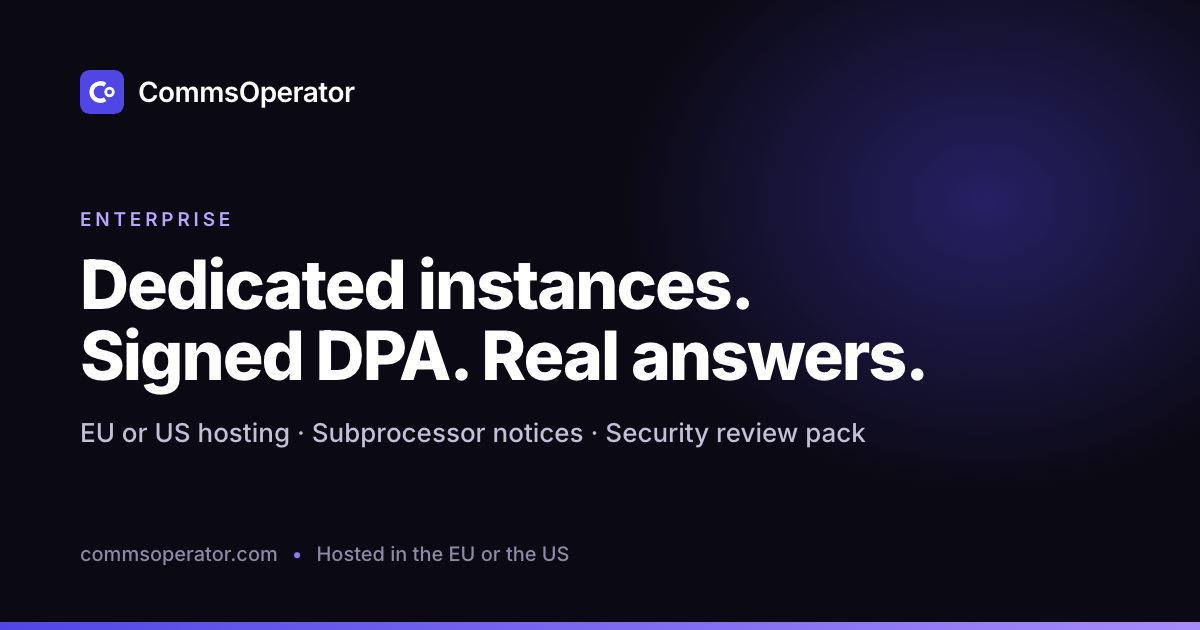
Enterprise: dedicated instances and a signed DPA
PNG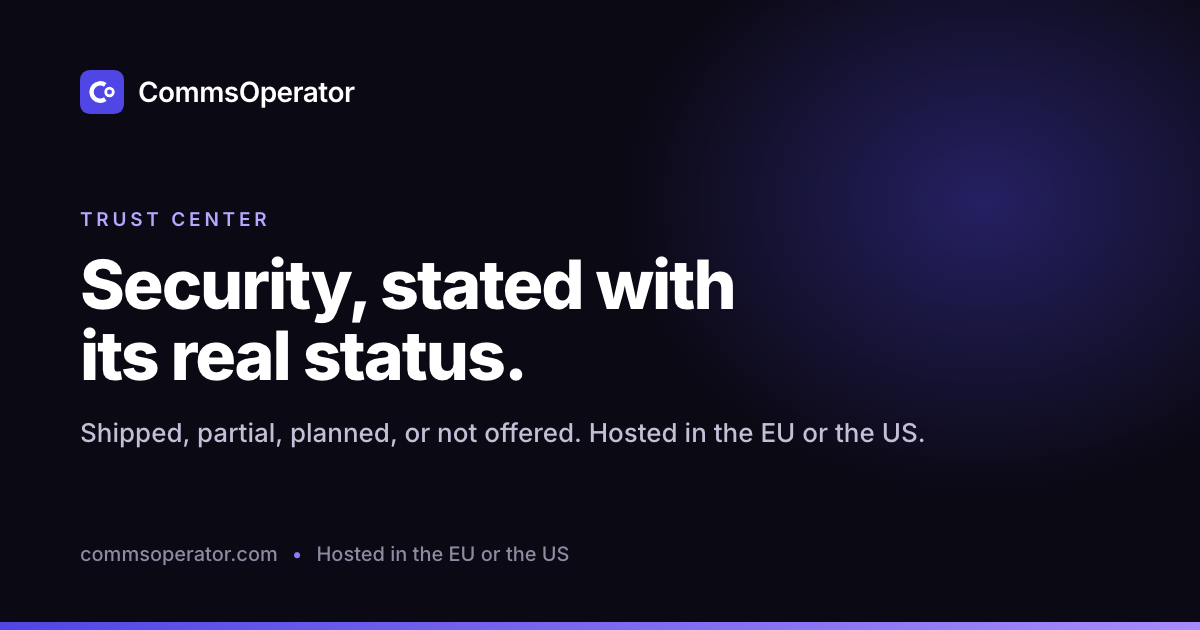
Trust center: security with its real status
PNG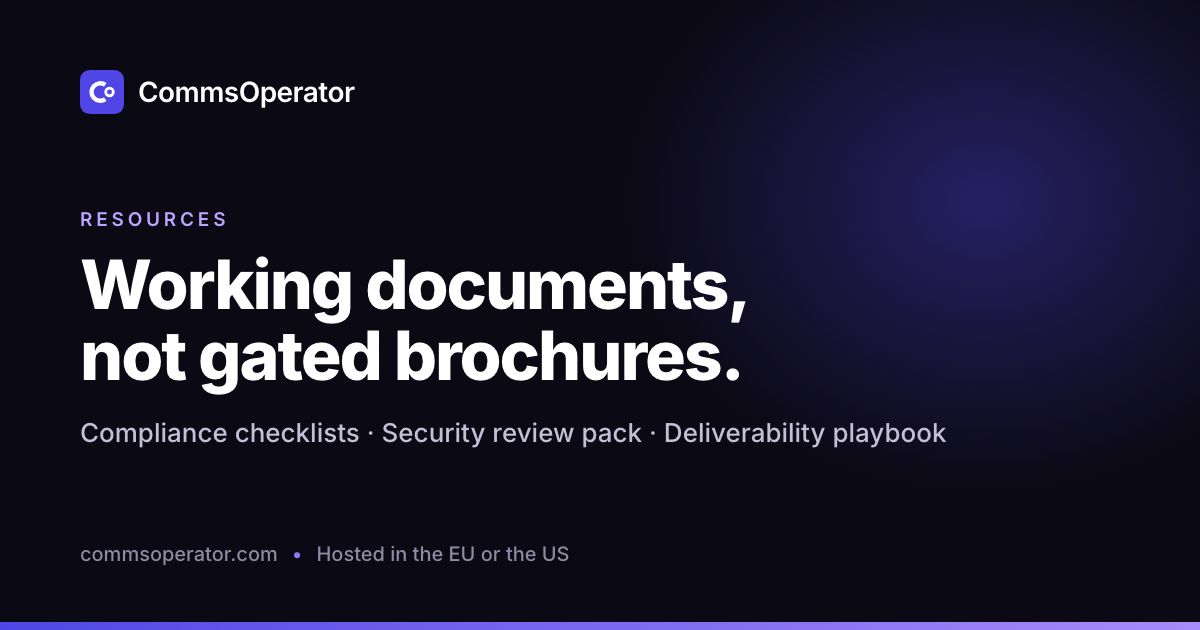
Resources: working documents
PNGMedia contact
Writing about CommsOperator?
For product screenshots, an interview or a background briefing, write to the media contact and say what you are working on and when it is due.
Media contact: office@commsoperator.com
You may use these files to refer to CommsOperator in articles, reviews, listings and presentations. Please do not use them in a way that suggests we endorse or partner with you unless we have agreed it in writing.
Want the background first?
The About page has the company facts and history; the trust center lists every security control with its real status.